Dates worked out
Pick the item and the template; use-by dates and allergens come from the platform.
Thermal printer · Bluetooth
Use-by and allergen labels printed from your menu, not handwritten.
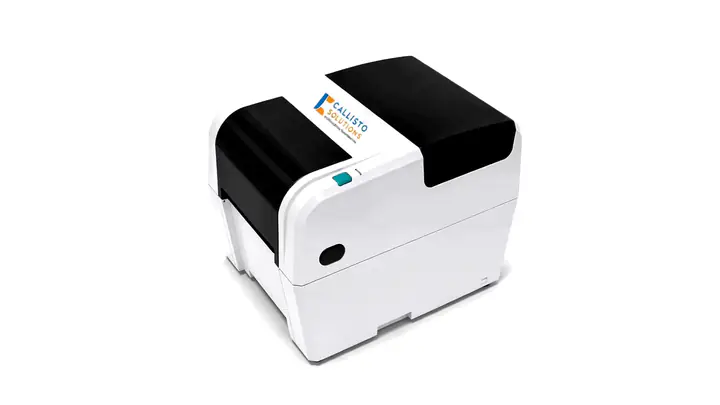
At a glance
The CT Label Printer prints food labels from templates in the MeridianCT app: dish, use-by date, allergens and, for aged care, per-resident labels, with a history of every print.
CT Label Printer · up close
It prints thermal labels from templates for meals, defrost, production and packing.
It connects to the tablet app over Bluetooth. Pick the item and the template, then print.
Use-by dates and allergens come from the platform, and every printed label is kept in the print history.
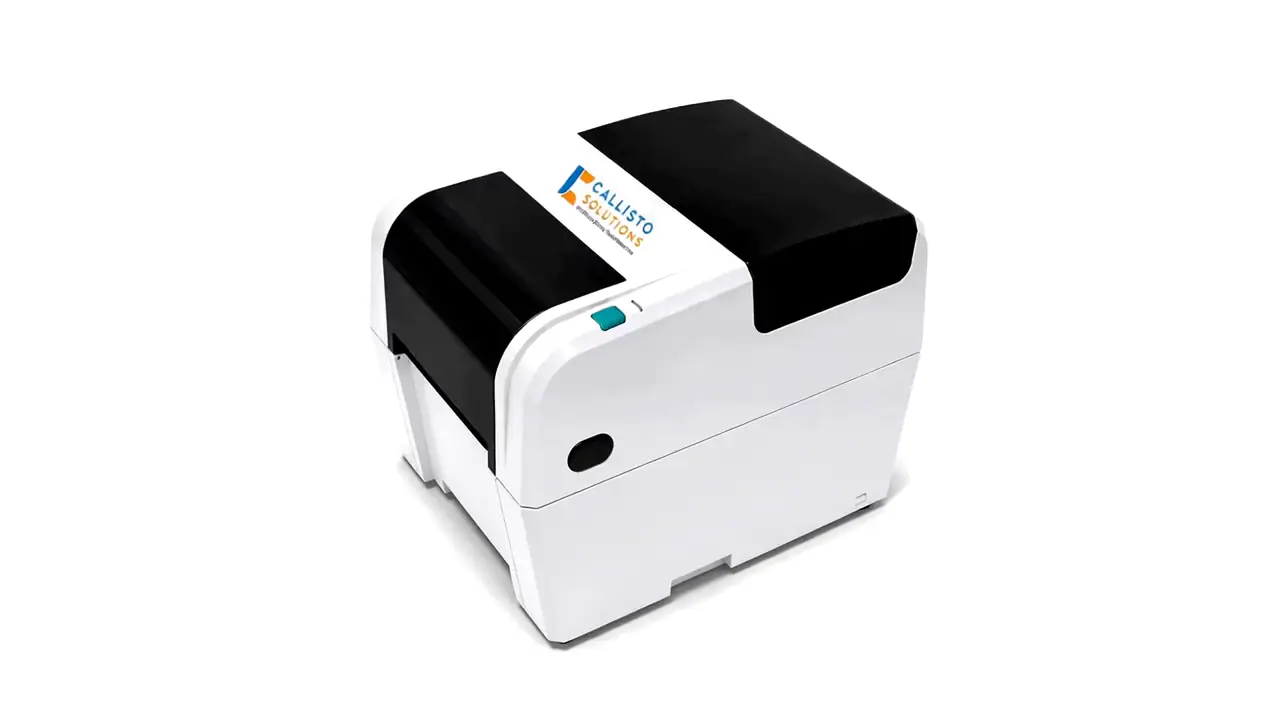
Illustrative animation
Connect & label
Labels come from the menu and your templates, so nobody writes them by hand.
Pick the item and the template; use-by dates and allergens come from the platform.
Declarations come from the menu item and, for aged care, from each resident’s profile.
Print history shows what was labelled and when.
Works well with
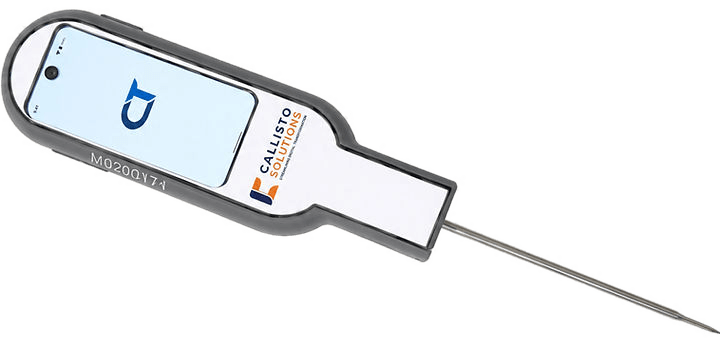
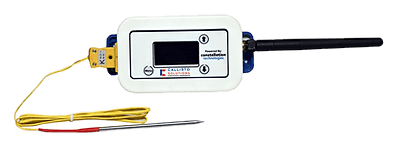
Book a demo
See the CT Label Printer working with Callisto, and the records it leaves behind.